

Blog · Microsoft 365
Microsoft Is Making Major Changes to MFA Authentication in M365; Here’s What That Means for You
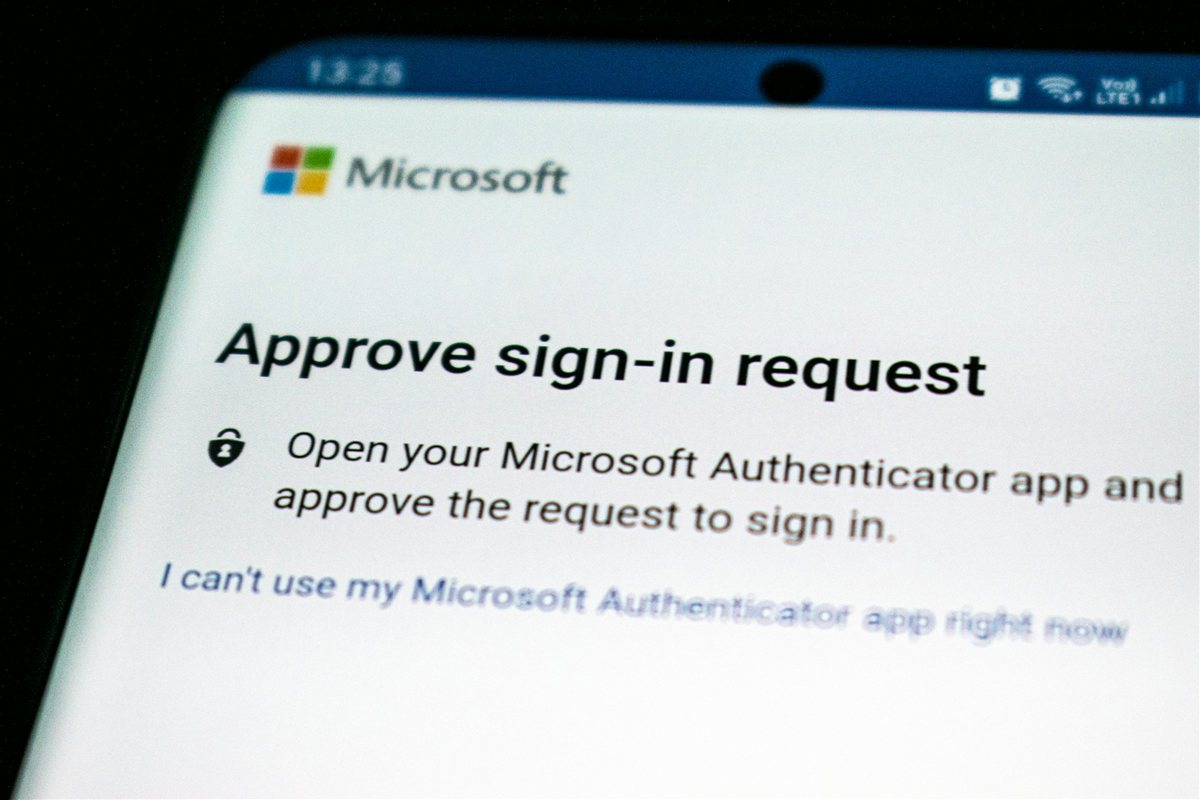
If you sign into Microsoft 365 at work, you’re used to the routine: password, then a secondary prompt, also known as MFA (multi-factor authentication). That second step is changing, and if you use text messages or voice calls as your MFA prompt, you’re impacted.
Here’s what’s changing, why, and what you’ll need to do.
What’s Happening
Microsoft is replacing SMS codes and voice calls. Initially, from September 2026, you’ll be prompted to set up a passkey if you don’t already have one. In early 2027, the ability to use text and voice for authentication will be retired entirely.
Why Microsoft Is Doing This
Text codes can be intercepted. SIM swapping, where someone convinces your phone provider to move your number to their device, has become common enough that Microsoft no longer treats SMS and voice as secure.
The bigger factor is phishing. Microsoft’s own research puts click-through on AI-generated phishing emails at roughly 54%, against about 12% for older-style attempts. A text code can still be handed over on a convincing fake page. A passkey can’t, there’s no code to hand over.
What a Passkey Is
Your fingerprint, face, or device PIN, instead of a code. Your device confirms it’s you, then handles the rest with Microsoft using cryptography rather than a code that can be stolen or guessed.
There are two types:
- Synced passkeys, stored in iCloud Keychain or your Google account, following you across devices.
- Device-bound passkeys, tied to one device, like Microsoft Authenticator or a physical security key.
Either way, sign-in becomes a fingerprint tap or face scan, no code to find, switch apps for, or type before it expires.
The Timeline
- September 2026: anyone still on SMS or voice codes gets prompted to register a passkey at their next sign-in. Setup takes under a minute on a phone with Face ID or Touch ID.
- February 2027: Microsoft stops providing text and voice codes entirely. Anyone without a passkey by then is required to register one before signing in again. No opt-out.
For most people, that’s a one-time prompt and a faster sign-in afterward.
How Outlaw Can Help
- We identify who’s affected. A quick check of who’s currently on SMS or voice codes, so nobody gets an unexpected prompt.
- We phase the rollout. Microsoft’s registration campaign tool can nudge users gradually rather than all at once. We configure it so it lands smoothly instead of flooding your team with confused calls.
- We write the staff message. A short, plain-English heads-up before anyone sees a prompt, sounding like it’s from your business, not a copy-pasted Microsoft doc.
- We make sure nobody gets locked out. February 2027 has no opt-out. Better to be done with this months early than scrambling in January.
Get Ahead of This
If your business is still on text or voice codes, we can review where you stand and put together a rollout that fits your team, before Microsoft’s prompts start doing it for you.
This is exactly what we cover in our Free M365 Assessment, alongside a full look at how your Microsoft 365 environment is configured.